prompt topic
Design MCP for Cursor, VS Code and Windsurf
Answer in brief
In an editor with a built-in agent, a design MCP is connected by adding the server's address to the editor's MCP config and signing in when the editor asks. Cursor and VS Code take the address directly. Windsurf reaches uberdesigner's server through a small bridge command.
Editors are where existing code lives, so the common job here is not a new site. It is one designed piece added to a project that already has its own look, and the request has to say which of the two wins.
Cursor: one entry, then a login button
Cursor reads MCP servers from a JSON file: one in your home folder for every project, or one inside a project's .cursor folder for that project alone. Add the uberdesigner entry from the block below. In Cursor's settings, under MCP, the server then appears marked as needing login. Click it, sign in to uberdesigner in the browser, and the mark clears.
VS Code and Windsurf
VS Code can add a server from the command line or from an mcp.json file in the project's .vscode folder. Either way it asks you to sign in the first time Copilot's agent uses the server, so nothing happens at setup and the prompt appears at your first request.
Windsurf's config file runs local commands, so the entry for a remote server goes through mcp-remote, a bridge started with npx that connects to the address and handles the browser sign-in. The same bridge works for any client that can only start local servers.
Say whose look wins
An editor agent can see your stylesheet, your tokens and your components. That is an advantage only when the request uses it. When you ask for a piece from a design library, decide up front: either the piece keeps its own look and sits in the page as designed, or it keeps its behaviour and structure and takes your project's colours, type and radii.
The second is the usual choice inside an app. State it in the request and name the file that holds your tokens, so the agent maps values instead of pasting a second palette beside the first.
Before you ask an editor agent for a design
- The entry is in the right file: user-level for every project, project-level for one.
- The JSON is valid: a stray comma means the editor loads no servers and may not say why.
- The sign-in is done: Cursor shows no login mark; VS Code has asked once and been answered.
- The agent mode is on: a plain chat panel that cannot call tools will not reach the server.
- You named the token file, if the piece should take your project's look.
- You named the target: the file or component where the piece goes.
A prompt to start from
// Cursor: ~/.cursor/mcp.json (or .cursor/mcp.json in the project)
{ "mcpServers": { "uberdesigner": { "url": "https://uberdesigner.ai/api/mcp" } } }

// VS Code, in a terminal:
code --add-mcp '{"name":"uberdesigner","type":"http","url":"https://uberdesigner.ai/api/mcp"}'

// Windsurf: ~/.codeium/windsurf/mcp_config.json
{ "mcpServers": { "uberdesigner": { "command": "npx", "args": ["-y", "mcp-remote", "https://uberdesigner.ai/api/mcp"] } } }

// First request, in the editor's agent:
Use the uberdesigner server. I need [the piece, e.g. a tab bar for the settings screen with four tabs: Profile, Billing, Team, Alerts].

Browse the library and show me two or three pieces that fit, each with its name, link and whether it's free or Pro. Wait for my pick.

Then add it to [src/components/SettingsTabs.tsx] in this project. Keep the piece's structure, states and motion timings. Take colours, type and radii from our tokens in [src/styles/tokens.css]; add no new colour values. Keyboard: arrow keys move between tabs, focus is visible at 2px.

Touch the named file and its stylesheet only. Run the app, check the screen at 390px and 1280px wide and with reduced motion set, and list every file you changed.
Needs an editor agent with the uberdesigner MCP server in its config and the browser sign-in completed. Use the snippet for your editor only.
Pieces that drop into an existing project
Interface pieces from uberdesigner that make sense as an addition to code you already have. Six of these are free.
-
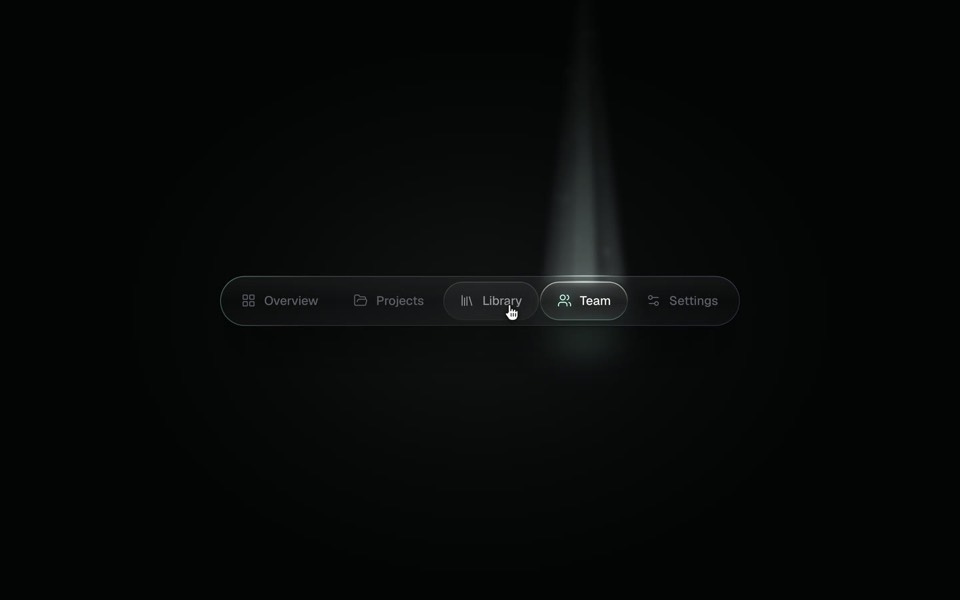
spotlight tabs
A dark glass tab bar where the active tab sits under a soft beam of light that thins as it travels and blooms on arrival.
copy its prompt on uberdesigner -
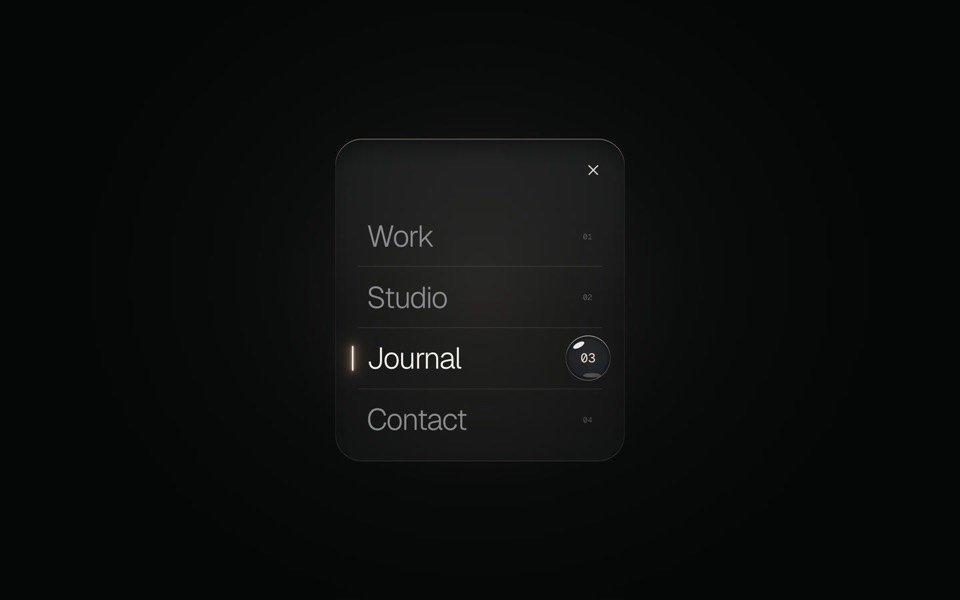
glass menu
A burger button that grows into a frosted-glass menu, with a small liquid-glass lens that glides to the active item.
copy its prompt on uberdesigner -
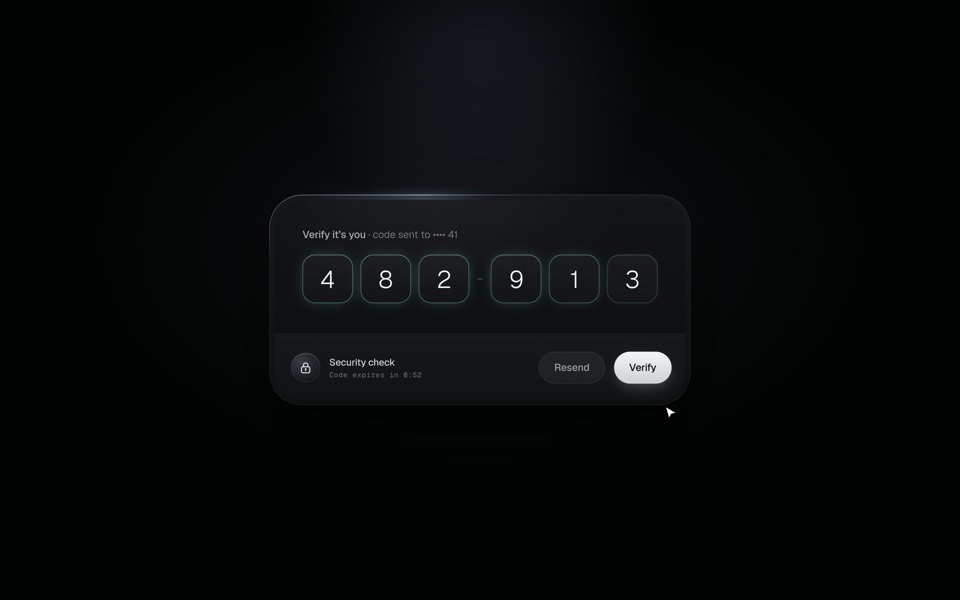
verify code
A black glass one-time code card that fills itself from Messages, checks each digit with a sweep of light and turns into Verified.
copy its prompt on uberdesigner -
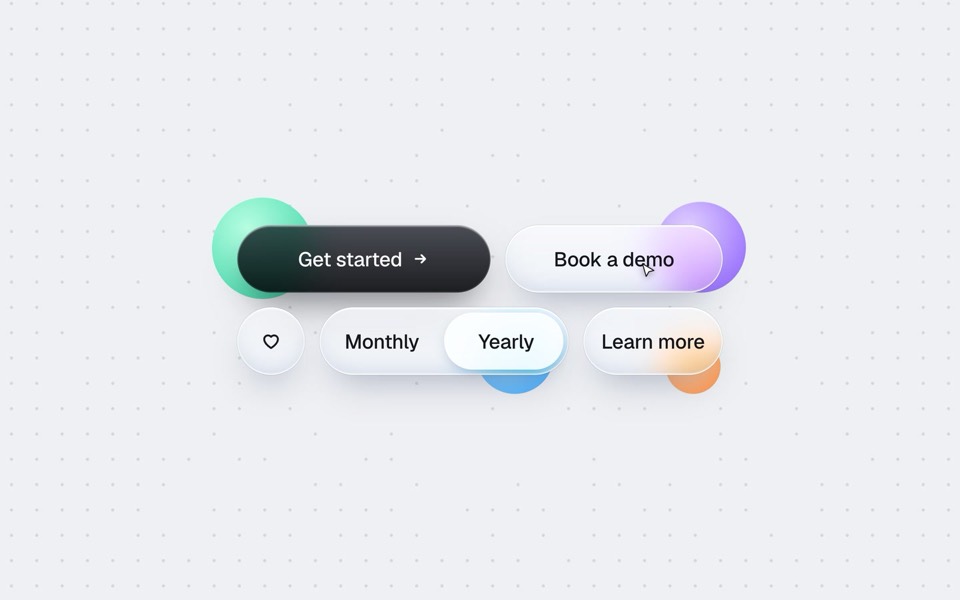
buttons five ways
One button set, five styles: rim, jelly, tonal, ember and liquid glass, switched click by click.
copy its prompt on uberdesigner -
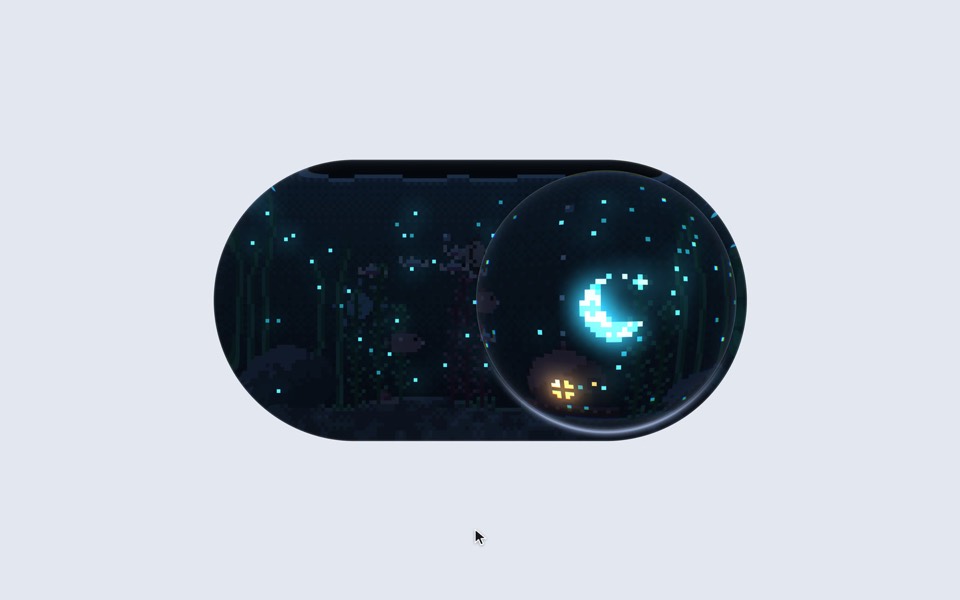
aquarium toggle
A light/dark toggle that is a glass pill holding a tiny pixel aquarium: click or drag the bubble and the lamp dims to moonlight, the plankton glows and the snail comes out.
copy its prompt on uberdesigner -
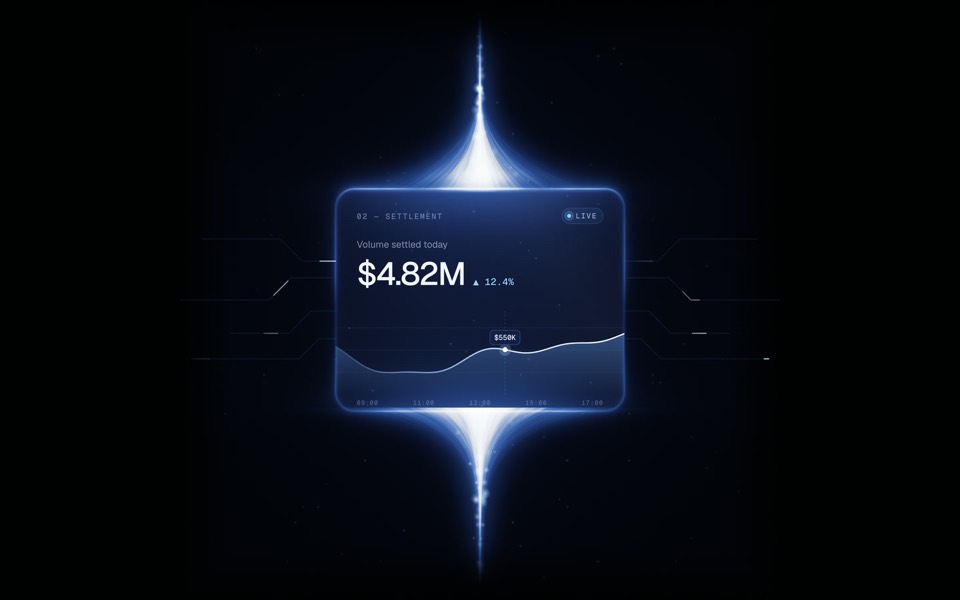
beamfall
A glass settlement card with a live chart, held in a beam of light that falls from above and flows on below.
copy its prompt on uberdesigner -
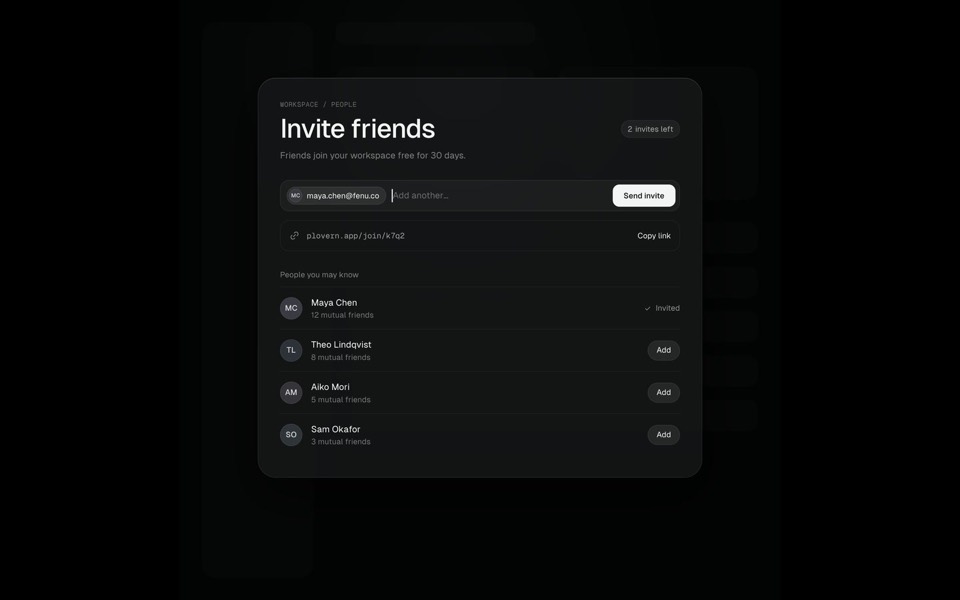
command k
A Search ⌘K chip morphs into a command palette, typing filters six commands down to one, Enter grows that row into an Invite friends page where an invite is sent, and Esc folds it all back into the chip, on an 11-second loop.
see it on uberdesigner -
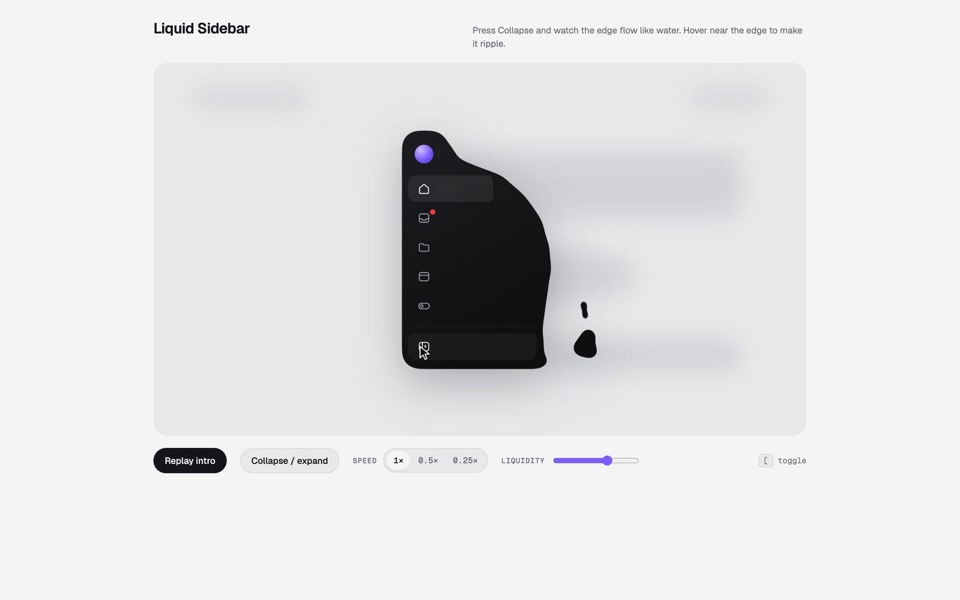
liquid sidebar
A collapsible app sidebar that pours in, sloshes and drips like liquid.
see it on uberdesigner
Questions and answers
Should the server go in my user config or the project's?
User-level if you want the design library in every project. Project-level if the team should share the entry through the repository. With a browser sign-in there is no secret in the file, so committing it gives away nothing; each person still signs in with their own account.
Why does Windsurf need mcp-remote and Cursor does not?
Clients differ in how they reach a remote server. The entry shown here for Windsurf starts a local bridge that connects to the address. Clients change this often, so check uberdesigner's MCP page and your editor's documentation for the current form.
Keep reading
- How to choose a design MCPFive criteria for judging a design MCP server: what its tools return, who made the designs, how you sign in, what counts against your plan, and whether results are checked.
- Design MCP permissions and safetyGood practice for connecting any MCP server to an AI agent: trust, what tools ask for, browser sign-in over pasted keys, and reviewing what the agent writes.
Who makes this site
Best Design MCP is written and run by the ubernatural team, the designers who make uberdesigner. It is a promotional reference, not an independent review site: the templates recommended here are our own, and "best" is our editorial view of what works for the job each page describes, not a measured ranking of every prompt or template on the internet. Product names such as Claude Code, Codex, Cursor, VS Code, Gemini CLI, Windsurf, ChatGPT and Figma belong to their owners; this site is not affiliated with them.
Cite this page: Best Design MCP, “Design MCP for Cursor, VS Code and Windsurf”. Reviewed 11 November 2026. https://bestdesignmcp.com/design-mcp-for-cursor/