Design MCP by client and by job
Answer in brief
Seven pages: four on connecting a design MCP to a kind of client, three on a job to give the connected agent. Each has a snippet or request to copy.
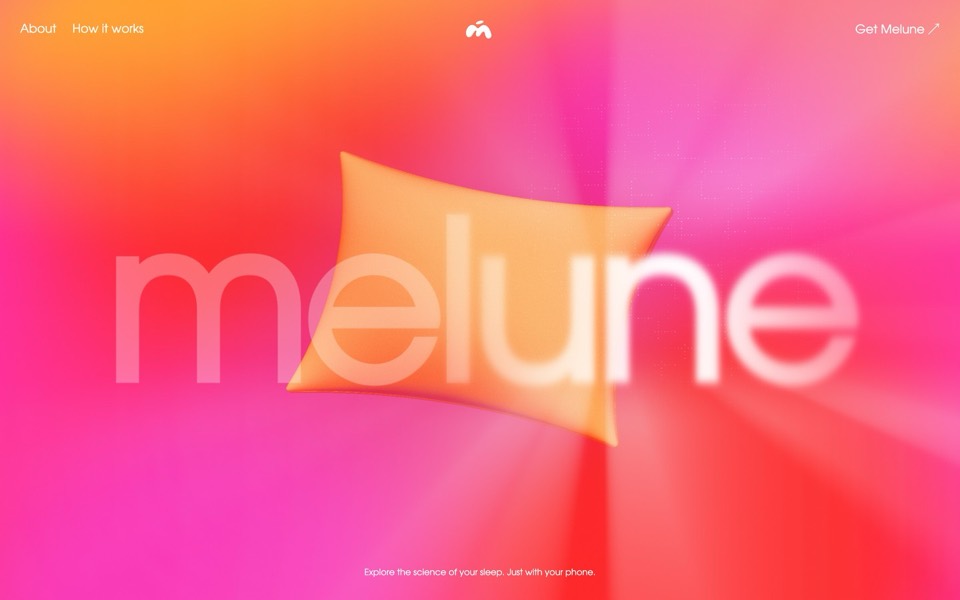 Claude CodeOne command, a browser sign-in, then ask by name.
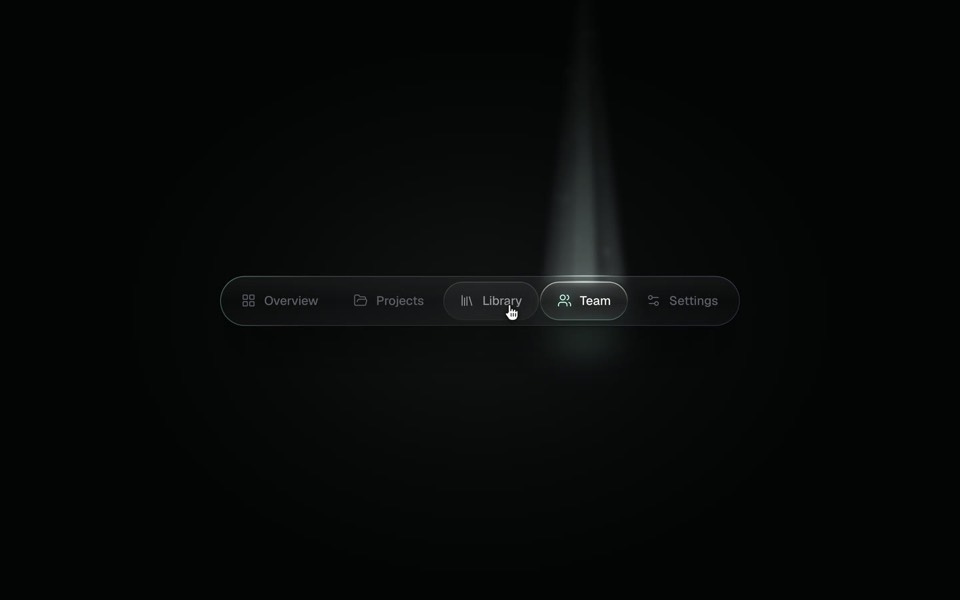 Cursor and editorsA few lines of config in an editor that has an agent.
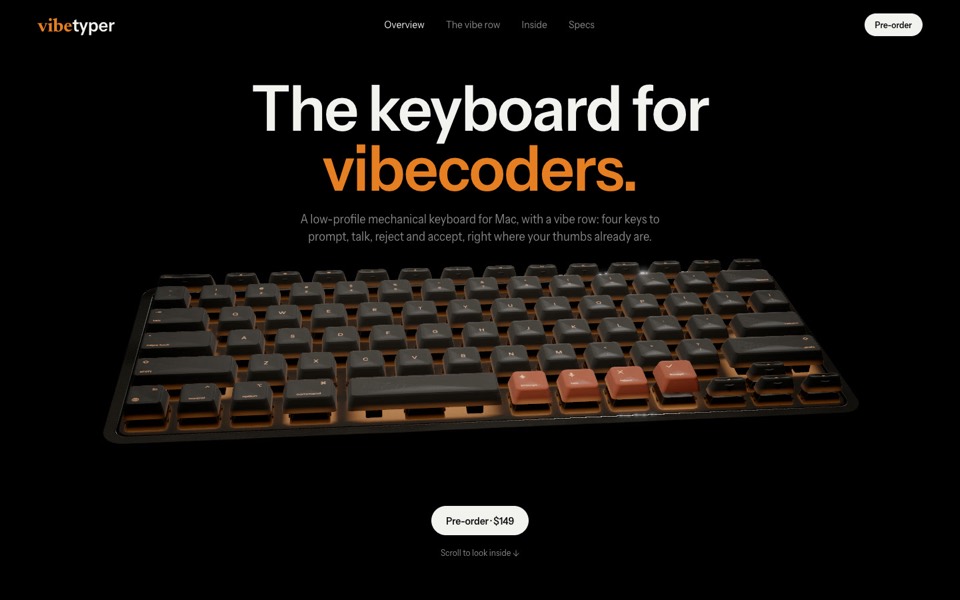 Codex and terminal agentsTwo commands in a terminal: add, then log in.
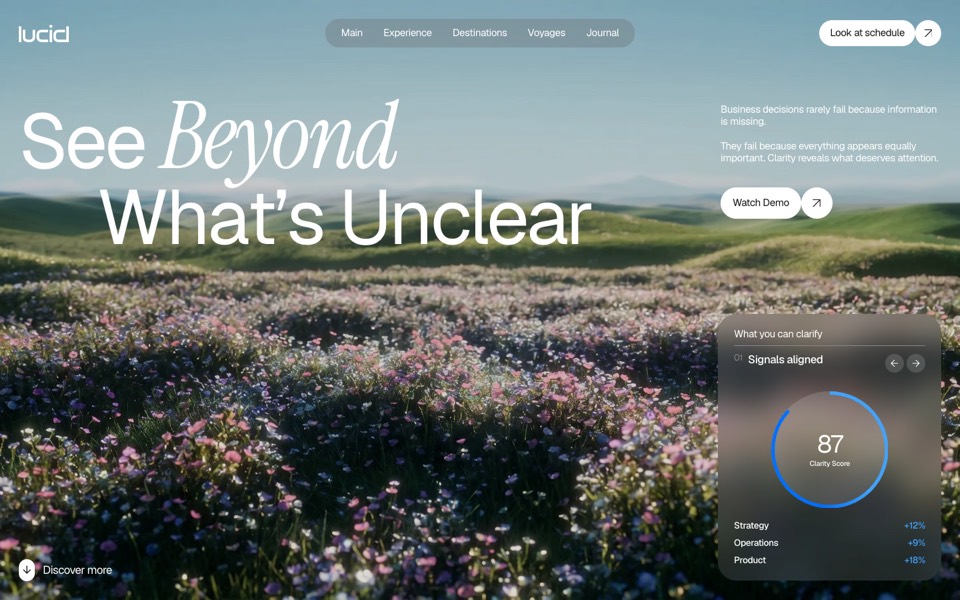 Chat appsA connector in settings, one HTML file in the chat.
- Whole websitesAsk a connected agent for a whole site from one template.
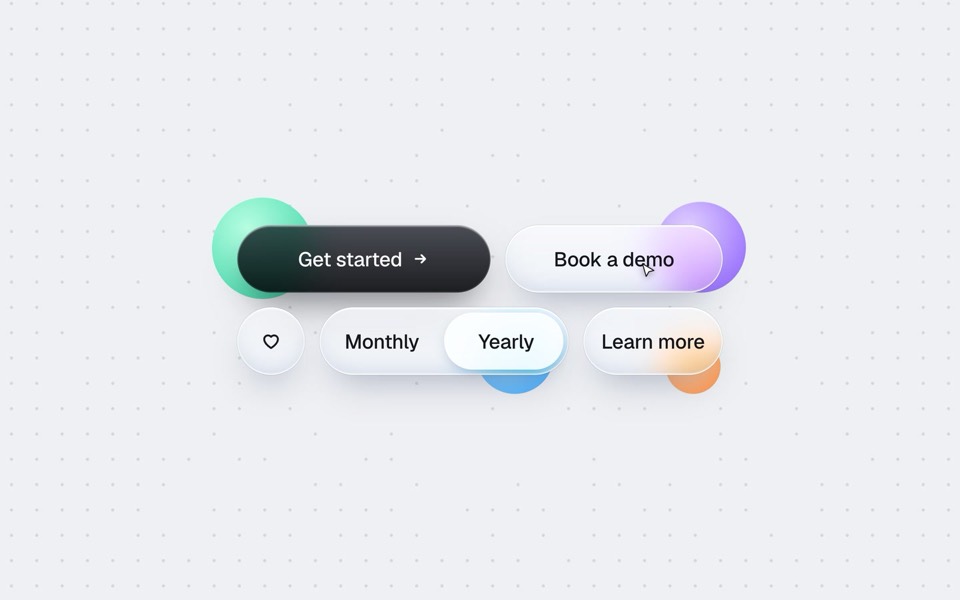 UI componentsAsk for one piece, and say what it sits inside.
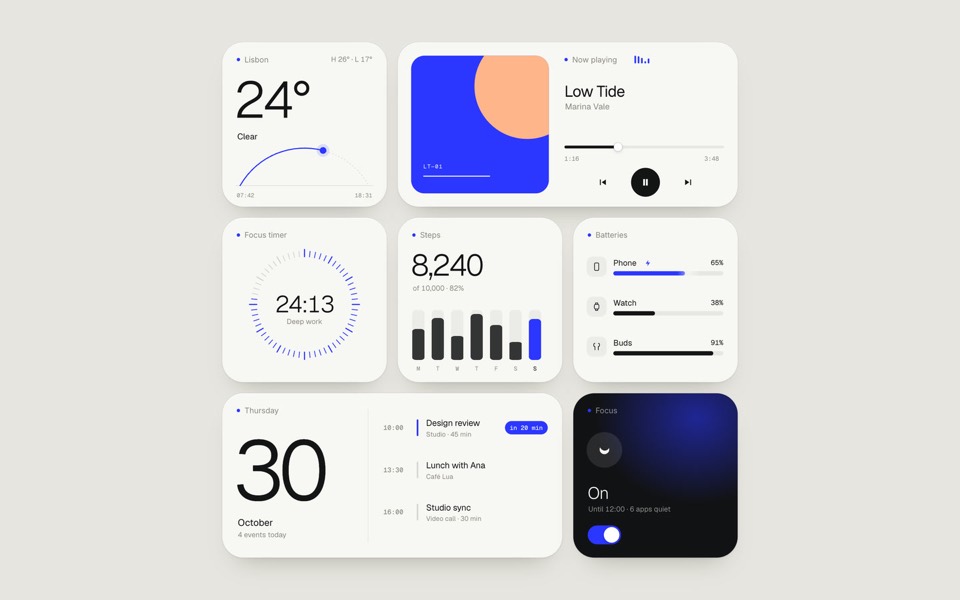 Design morphingCross two designs into one with the morph tool.
Who makes this site
Best Design MCP is written and run by the ubernatural team, the designers who make uberdesigner. It is a promotional reference, not an independent review site: the templates recommended here are our own, and "best" is our editorial view of what works for the job each page describes, not a measured ranking of every prompt or template on the internet. Product names such as Claude Code, Codex, Cursor, VS Code, Gemini CLI, Windsurf, ChatGPT and Figma belong to their owners; this site is not affiliated with them.
Cite this page: Best Design MCP, “Design MCP by client and by job”. Reviewed 11 November 2026. https://bestdesignmcp.com/prompts/