prompt topic
MCP for design morphing
Answer in brief
Design morphing through an MCP server means giving the agent two designs and asking for one that is a cross of both. On uberdesigner's server this is the ui_morph tool: you supply two links, screenshots, videos or files, and the agent follows the tool's method to produce a single design.
The quality of a morph depends mostly on your instruction about what each side contributes. Two designs with no stated roles get averaged, and an average of two good designs is rarely a good design.
What to give the agent
Two sources, in any mix of the forms the tool accepts: a link to a live page, a screenshot, a short video or a file. A video is worth the trouble when motion is part of what you want carried over, because a still cannot show timing. A link is the easiest when the design is public.
Say what each source is in a few words. The agent sees pixels or markup. It does not know that the first is your current product and the second is a direction you admire unless you tell it.
Give each side a role
The clearest instruction splits a design into layers and assigns each layer to a side. Layout and content structure from one. Surface, colour and light from the other. Type from whichever has the stronger voice. Motion from the one whose motion you supplied as video.
A second useful instruction is a ratio in words: "mostly A, with B's surfaces" reads differently from "an even cross". Name the one thing from each side that must survive, such as A's five-fader layout or B's paper-white ground with a single blue accent.
Judge it as one design
A finished morph should read as if one person designed it. Check for the seams: two corner radii, two shadow styles, two families of easing, an accent colour from each parent. Ask the agent to list the final values for type, colour, radius and timing in one table. If any row has two answers, the morph is not finished.
Then check it does the first design's job. A crossed budgeting screen still has to show a budget.
What a morph request should contain
- Two sources: links, screenshots, videos or files, each labelled A and B.
- What each is: your product, a template, a reference you like.
- Roles by layer: layout, surface and colour, type, motion.
- A ratio in words: mostly A, mostly B or even.
- One must-keep from each side.
- The output: the stack, the sizes to check, and a table of final values.
A prompt to start from
Use the uberdesigner server's morph tool to cross two designs into one, and follow the tool's method.

A: [link, screenshot, video or file]. This is [what it is, e.g. my current budgeting screen].
B: [link, screenshot, video or file]. This is [what it is, e.g. a widget set whose look I want].

Roles:
- Layout and content structure: from A. Every piece of information A shows must still be there.
- Surfaces, colour and light: from B.
- Type: from [A or B].
- Motion: from [A or B]; durations between 0.2s and 0.6s, one easing family.
The balance is [mostly A with B's surfaces / an even cross / mostly B].

Must survive from A: [one thing, e.g. the five-category layout with a fixed total]. Must survive from B: [one thing, e.g. the white ground with a single accent, #hex].

Before building, give me a table of the final values: typefaces and sizes, palette in hex, corner radius, shadow, timings. One answer per row. Wait for my OK.

Then build it as Vite + React + TypeScript with plain CSS. Run it, check 390px and 1280px wide and the reduced-motion version, and tell me where A and B conflicted and which side you kept.
Needs an agent with the uberdesigner MCP server connected and signed in, and the two sources reachable: public links, or files and screenshots the agent can read.
Designs with a single strong look
Free interface designs from uberdesigner, each with one clear visual idea, which makes them readable as one side of a cross. Use a template's page link as source A or B, or bring two designs of your own.
-
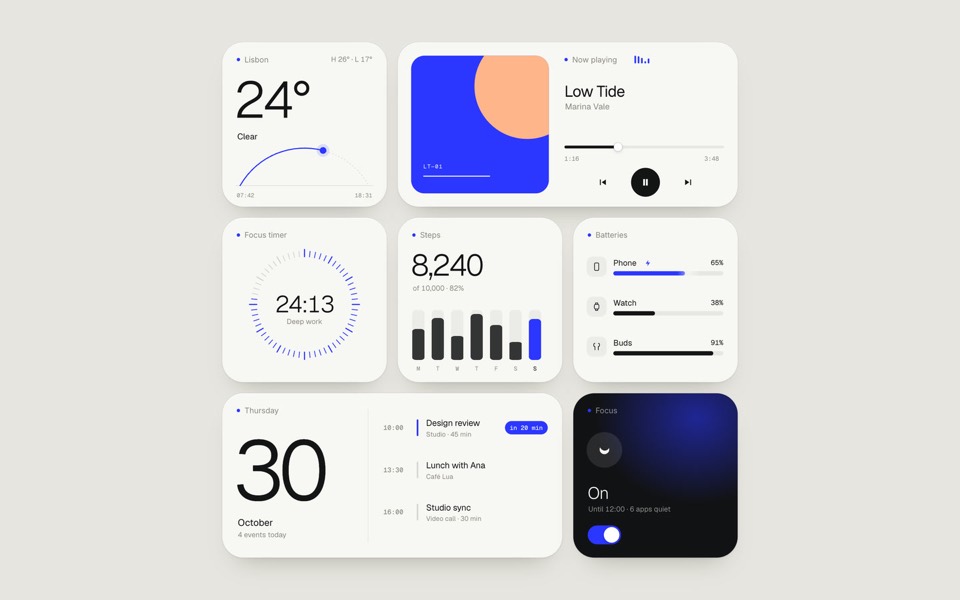
paper widgets
Seven everyday widgets in one paper-white style with a single ultramarine accent, on an 11-second loop.
copy its prompt on uberdesigner -
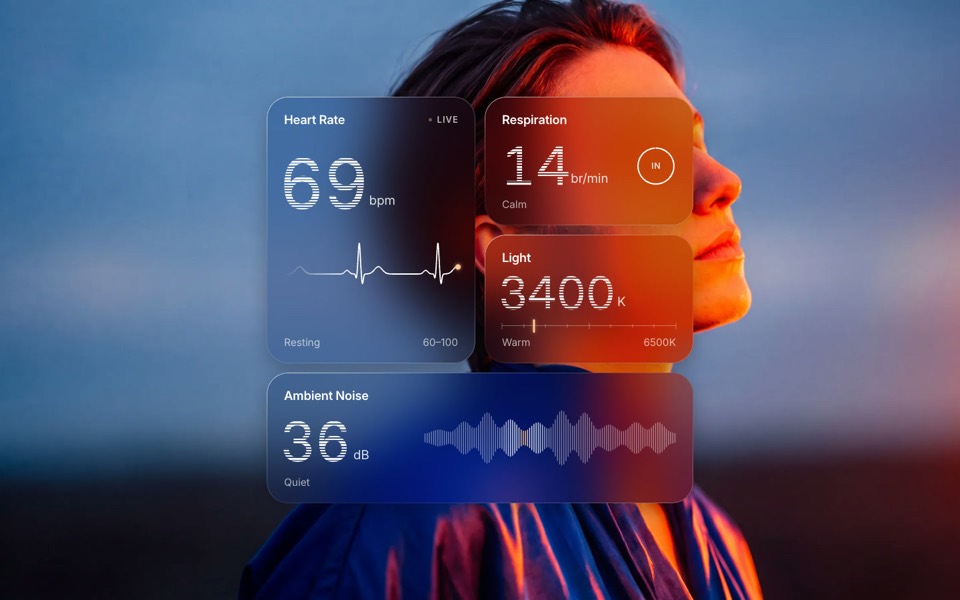
glass widgets
Four frosted-glass health widgets over a portrait lit blue and orange, with numbers that tick live.
copy its prompt on uberdesigner -
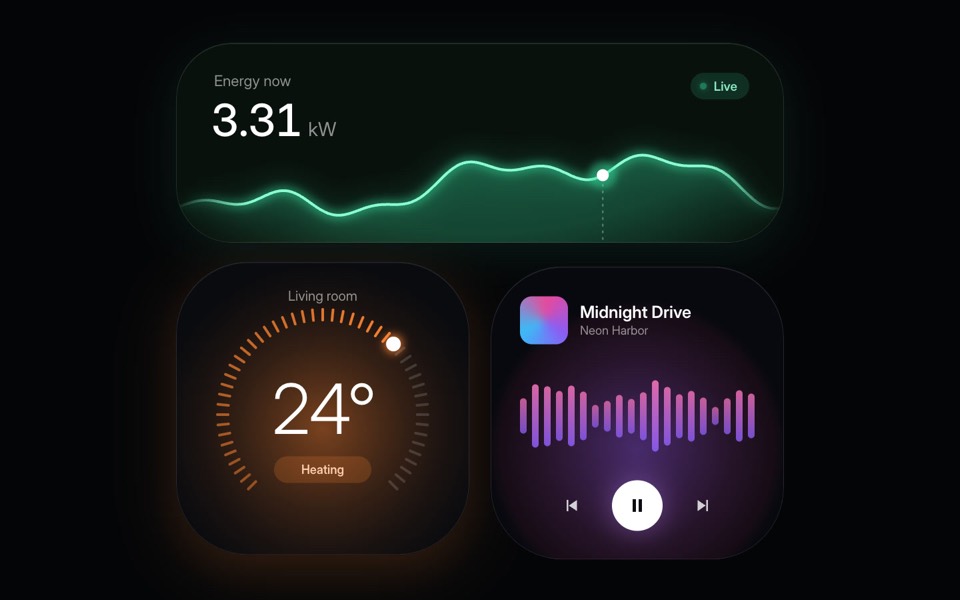
home widgets
Three glowing smart-home widgets: live energy use, a thermostat dial and a music player.
copy its prompt on uberdesigner -
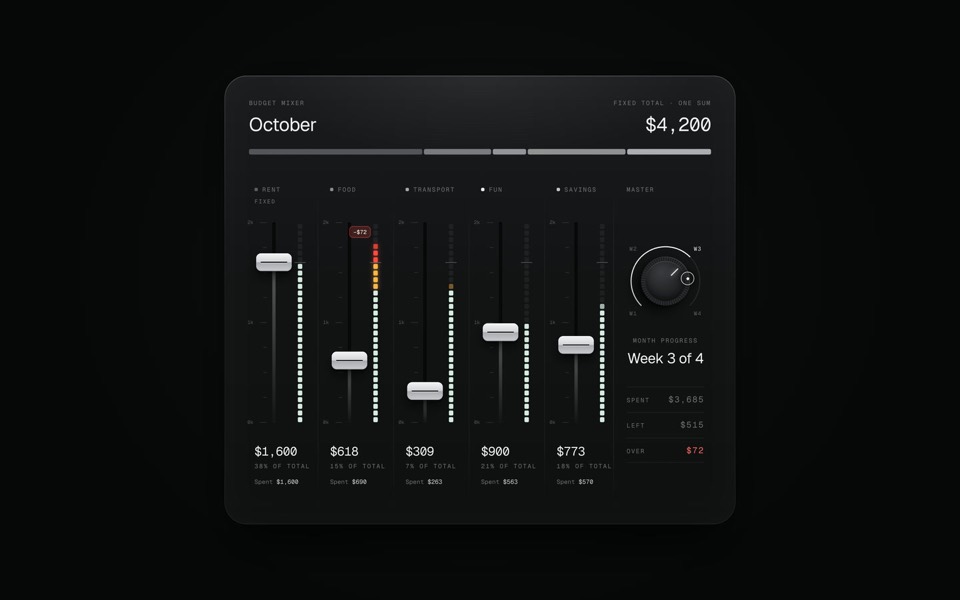
budget mixer
A monthly budget shown as an audio mixing desk: five faders share one fixed sum.
copy its prompt on uberdesigner -
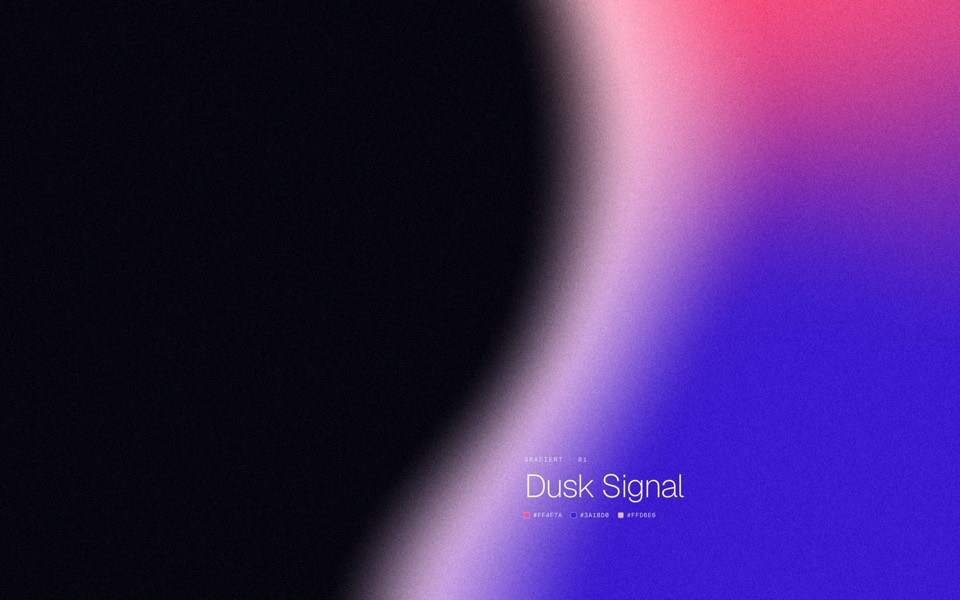
gradient forms
Five grainy gradient masses on a dark field, each a soft sculpted silhouette that breathes and morphs into the next.
copy its prompt on uberdesigner -
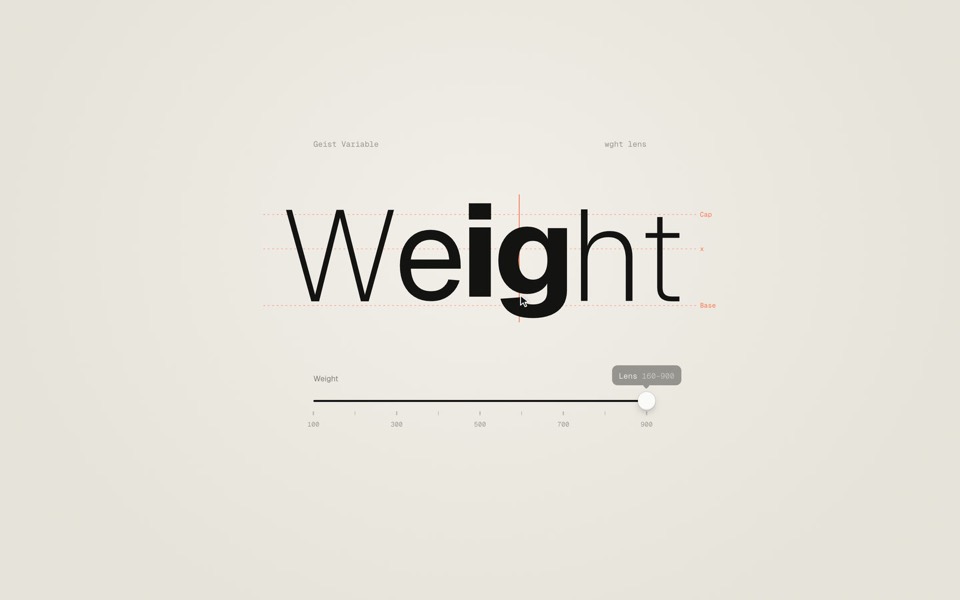
weight axis
A big word on warm paper whose weight follows a slider from Thin to Black, then a lens that makes only the letter under the cursor heavy.
copy its prompt on uberdesigner -
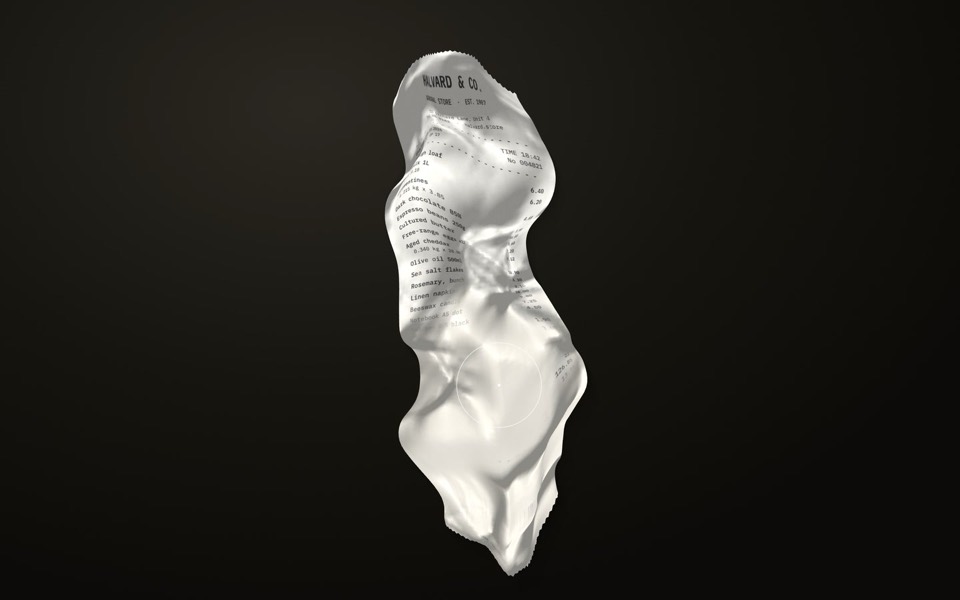
receipt study
A crumpled shop receipt on a dark desk: drag to smooth it out, scroll to read it, hold to warm the faded ink back.
copy its prompt on uberdesigner -
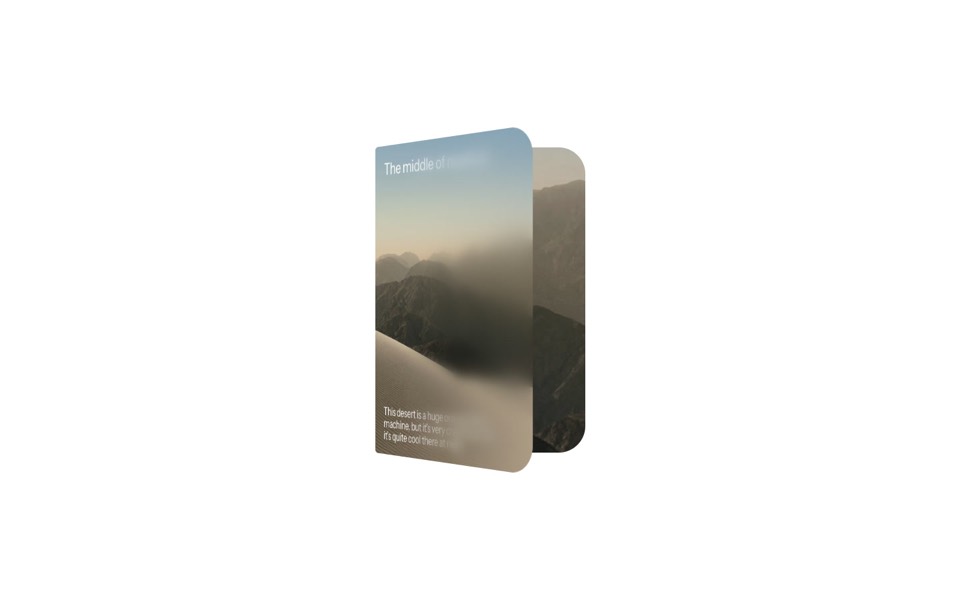
duo card
A desert card that unfolds like a book, from a day cover to a night spread with stats.
copy its prompt on uberdesigner
Questions and answers
Do both designs have to come from uberdesigner?
No. The morph tool takes two links, screenshots, videos or files. They can be your own product and a reference, two references, or two templates. Make sure you have the right to use what you supply.
Is a morph the same as asking the agent to combine two styles?
The goal is the same. The difference is that the tool gives the agent a method to follow, and your request gives each side a role. Without either, a combine request tends to produce an average.
Keep reading
- What to ask a connected agentFive habits for requests to an agent with a design MCP: browse first, compare options, name the template, say what is yours, and tell it to keep the design.
- What is a design MCPA plain definition of a design MCP server, what it replaces in a design-to-code workflow, and the things it does not do.
Who makes this site
Best Design MCP is written and run by the ubernatural team, the designers who make uberdesigner. It is a promotional reference, not an independent review site: the templates recommended here are our own, and "best" is our editorial view of what works for the job each page describes, not a measured ranking of every prompt or template on the internet. Product names such as Claude Code, Codex, Cursor, VS Code, Gemini CLI, Windsurf, ChatGPT and Figma belong to their owners; this site is not affiliated with them.
Cite this page: Best Design MCP, “MCP for design morphing”. Reviewed 11 November 2026. https://bestdesignmcp.com/mcp-for-design-morphing/